

Use Variables in API Requests
Step 1: Create or Open a Request
Create or open an existing request in the API Client.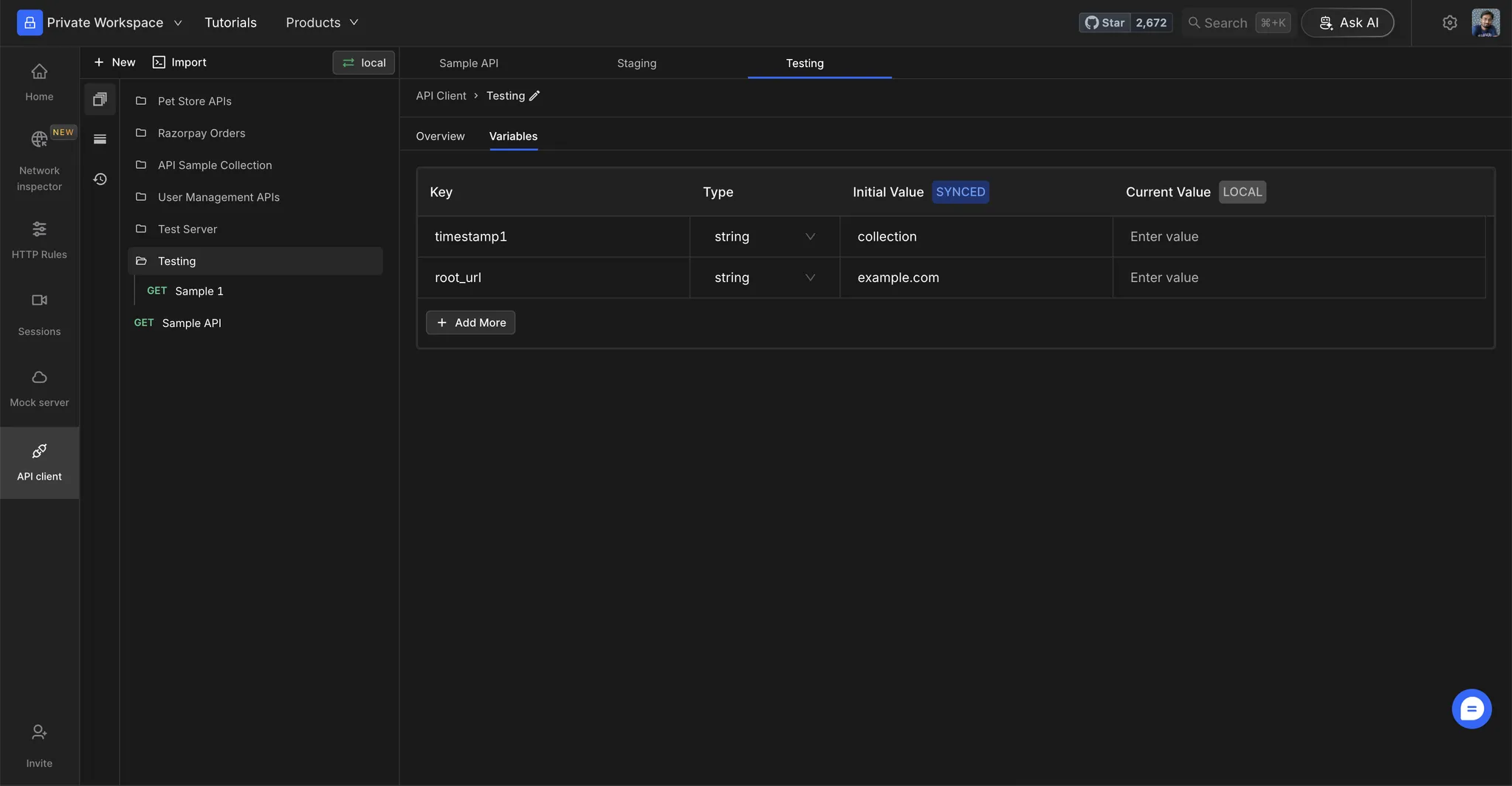
Step 2: Replace Static Values
Replace static values with your environment variables using the{{variable_name}} syntax.
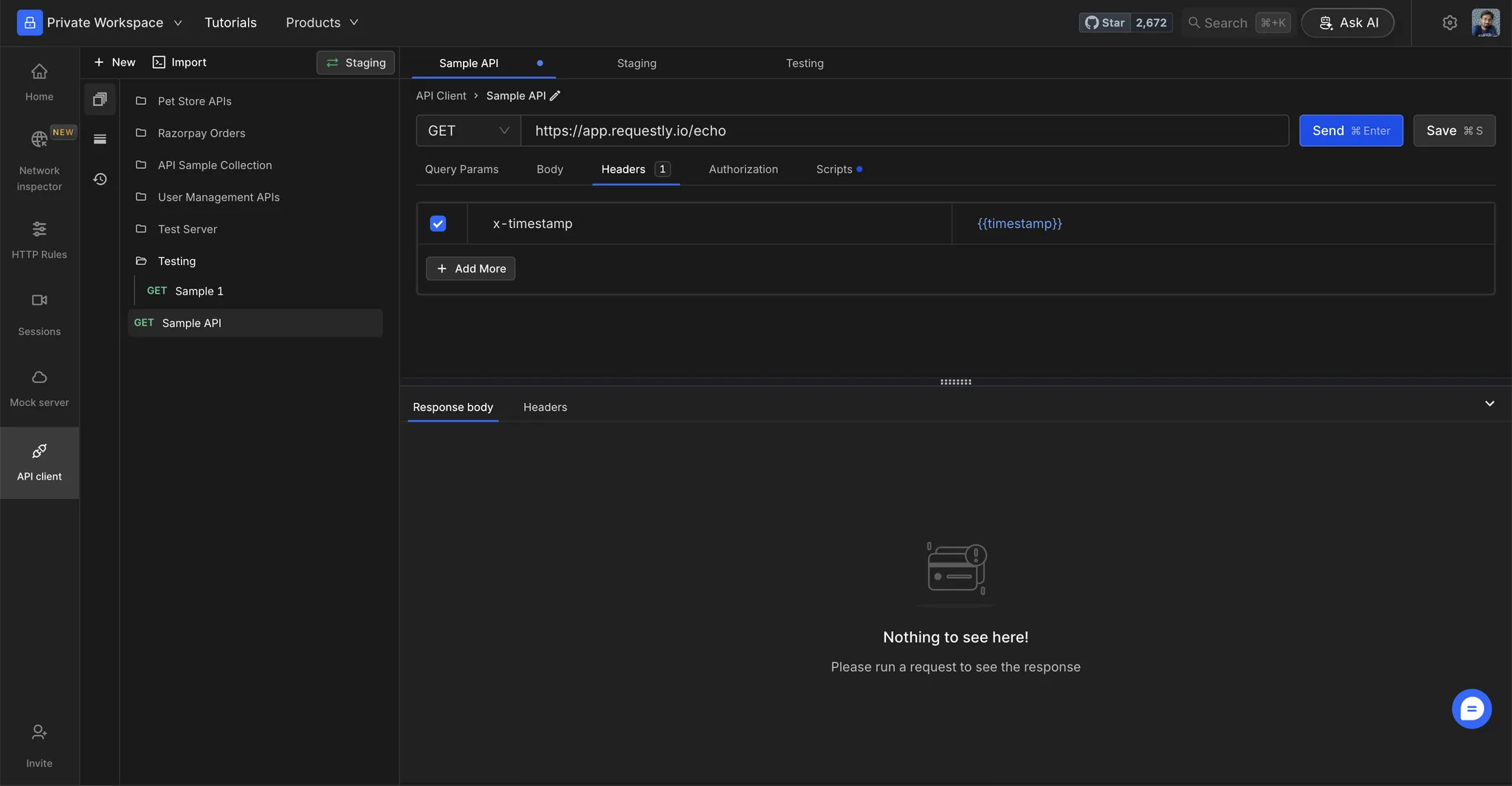
Step 3: View Variable Values
Hover over a variable to see its resolved value.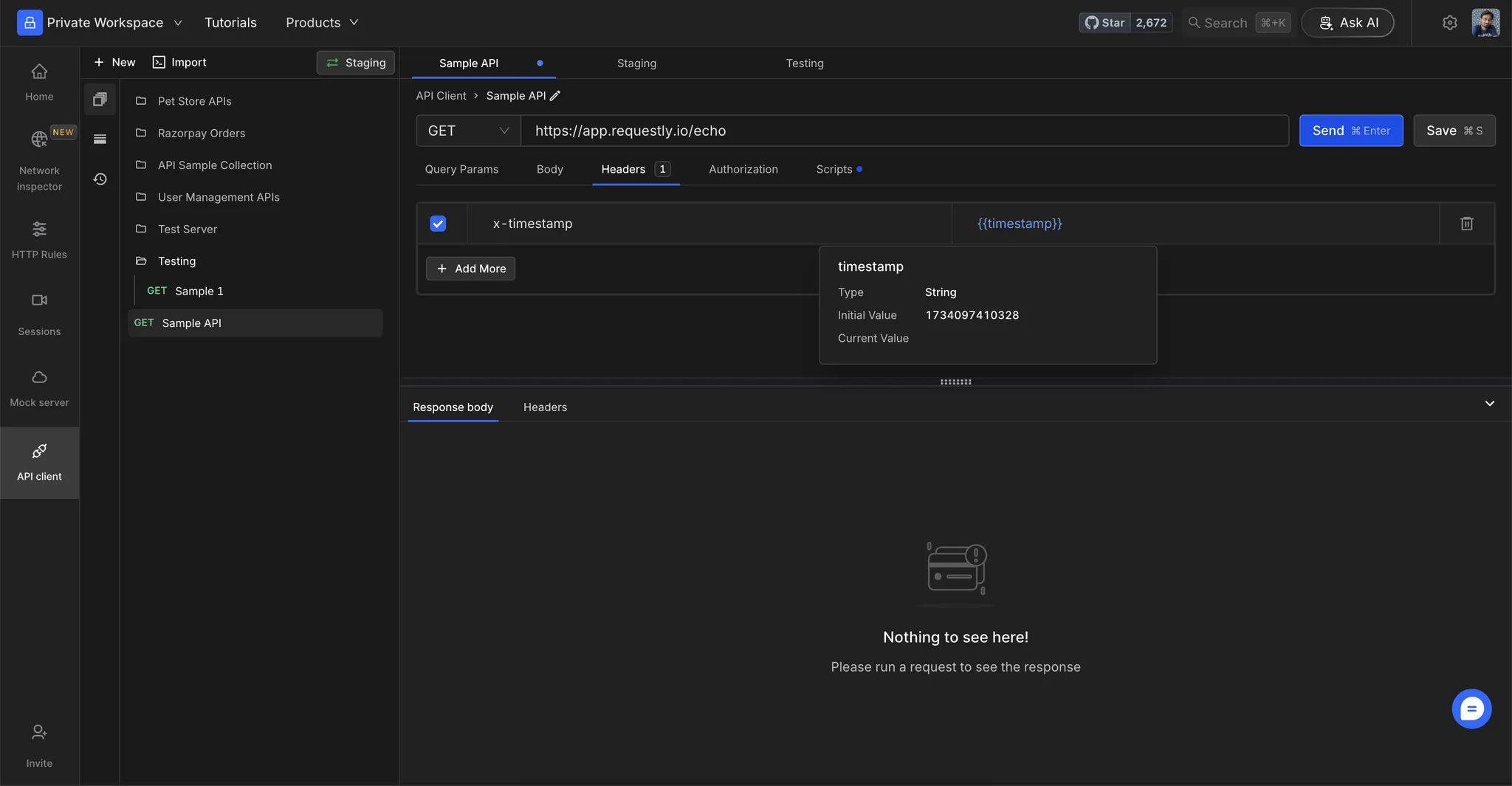
Test Your Setup
Step 1: Execute the Request
Click Send to execute the request.Step 2: Verify Resolved Values
Check the resolved values in the Request Preview to ensure that variables are substituted correctly.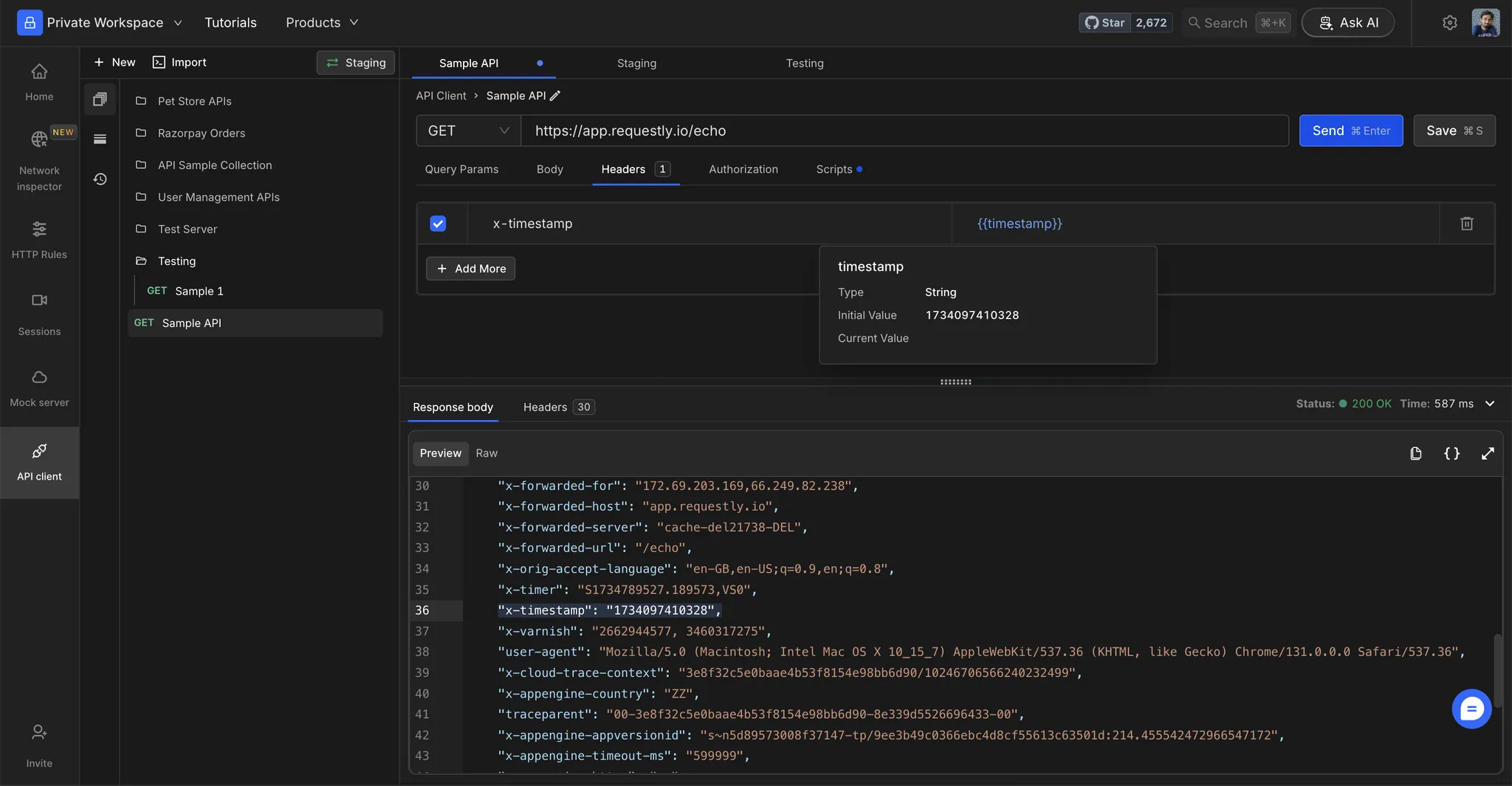
Array variables
When a variable holds an array value, referencing it inline with{{variable_name}} renders the JSON text of the list. For example, an array variable holding a and b resolves to ["a","b"] in a URL, header, or body.
To work with individual items, read the variable in a script, where it is returned as a real array. See rq.environment for reading array variables in scripts.
Reading the same variables in a script
Everything above resolves{{variable_name}} inside the request itself. From a pre-request or post-response script, read the same values with rq.variables:
rq.variables.get uses the same scope order the request does, so a script and a {{reference}} in the URL bar always agree on which value wins. rq.variables.set writes a temporary value for the current session.
replaceIn resolves stored variables only. A dynamic variable such as {{$guid}} comes back as literal text, so call rq.$guid() in the script instead. See rq.variables for the full reference.Composite variables
Composite variables allow you to reference one variable inside another variable’s value. This is useful when you want to build dynamic values from other variables.How it works
Define a variable that references another variable using the{{variable_name}} syntax:
When
api_endpoint is resolved, it becomes https://api.example.com/v1.
Example: Building dynamic URLs
You can chain multiple variables together:
The
full_url resolves to https://staging.us-east.api.example.com/users.
Circular dependency handling
If you create circular references (e.g.,var_a = {{var_b}} and var_b = {{var_a}}), Requestly detects this and leaves the variables unresolved to prevent infinite loops.
Autocompletion and syntax highlighting for variable references inside the variables table is not currently supported.